Ad Creative Post-Production: Turn Footage Into Ads That Sell
Ad Creative Post-Production: Turn Footage Into Ads That Sell

Ad creative post-production is everything that happens after the camera stops: cutting the footage, tightening the hook, adding captions and sound, building the formats each platform needs, and exporting versions you can test against each other. Done well, one shoot becomes a dozen ads. Done badly, good footage dies in the feed because the first two seconds were slow and the captions were missing.
This guide is written for creators, coaches and brands who are about to put money behind video. It shows what the work includes, how to edit raw footage into a paid ad, what to export, and how to read results so the next edit is better than the last.
TL;DR
- Post-production for ads covers editing, color, sound, graphics, captions and delivery in the right formats, not just trimming clips.
- The first seconds decide the result: cut the hook first, then build the rest around it.
- Prepare vertical, square or 4:5, and horizontal versions, all captioned, plus several hook variants of the same ad.
- Test one variable at a time (hook, call to action, angle) and let hook rate and click-through rate decide the next edit.
- Shoot with editing in mind: modular hooks, problems, demos and closing lines give you far more to test.
Table of Contents
- What ad creative post-production actually includes
- Start with one message and a structure
- Cut the hook first
- Edit for sound-off and for realness
- Build the versions you need
- Publish with discovery in mind
- A repeatable post-production workflow
- Test edits like an experiment
- Our perspective: post-production is where launches are won
- Where we can help
- A quick pre-launch review
- FAQ
- Sources
What ad creative post-production actually includes
Many people hear “video editing for ads” and picture one person trimming clips in an app. In practice the scope is wider. Industry production guides describe post-production as offline and online editing, visual and audio effects, sound design, voice-over recording, music and finalization for distribution. For a paid ad, that list translates into six jobs:
- Story edit. Choosing the one message, ordering the shots, cutting everything that does not serve it.
- Hook design. Building the opening seconds, often in several versions.
- Sound. Clean voice, balanced music, removal of room noise, and sometimes a re-recorded voice-over.
- Graphics and text. Captions, product or program names, price or offer callouts, and the call to action.
- Color and polish. Consistent exposure and skin tones so footage from different days looks like one piece.
- Versioning and delivery. Exporting every aspect ratio, length and file size each placement requires.
The same guide advises against separating post-production from the rest of the production process, because decisions made on set (framing, audio, spare takes) decide how much you can fix later. That point matters most for creators who film on a phone: if you plan the edit before you shoot, you save hours and avoid reshoots.
Start with one message and a structure
Before opening any editing software, write one sentence: who the ad is for, what they get, and what you want them to do. An ad with three messages usually performs like an ad with none.
A workable structure for a creator-led ad looks like this:
| Segment | Job | Typical length in a 30-second ad |
|---|---|---|
| Hook | Stop the scroll with a problem, a result or a surprising line | 0 to 3 seconds |
| Problem or story | Show the viewer you understand their situation | 3 to 10 seconds |
| Solution and proof | Show the program, product or method and one piece of evidence | 10 to 24 seconds |
| Call to action | Say exactly what to do next | 24 to 30 seconds |
Google’s own guidance for video ads follows a similar logic. Its ABCD framework asks you to capture Attention quickly with pacing and tight framing, establish Branding early and throughout, create Connection with people and a focused message, and give Direction through a specific call to action. Use it as a checklist when you review a rough cut.
Cut the hook first
The opening beat deserves disproportionate effort. If viewers leave in the first seconds, nothing after it matters, so edit the opening before anything else and treat it as its own test.
Practical ways to strengthen a hook in the edit:
- Move your strongest line to the start. Review all footage first, find the sentence that makes someone stop, and open on it even if you said it in the middle of the take.
- Cut the warm-up. Remove “hi guys, so today…” and start with the point.
- Tighten framing. Punch in on the face or the product so the first frame is not a wide, empty shot.
- Show the payoff early. A before-and-after, a result on screen, or the finished product in the first second gives the viewer a reason to stay.
- Make several hooks. Record or select three to five different openers for the same body of the ad. This gives you test material without a new shoot.
On YouTube, one practitioner framework suggests opening with the strongest three to five seconds and, for a 15-second cut, giving the first five seconds to the problem, the next five to the solution and the last five to the call to action. That pacing is a useful starting point, not a law, so adjust it to your offer.
Edit for sound-off and for realness
Most people scroll with the sound off or low, so the edit has to work visually. That means captions on every ad. Keep them high-contrast, large enough to read on a phone, and inside the platform’s safe zones so interface buttons do not cover them. Google’s guidance also recommends that audio and on-screen text work together, bright and high-contrast visuals, early and repeated product or brand presence, and simple, focused language.
For creator-led content, over-polishing can hurt. Viewers trust talking-head content that feels natural, so:
- Trim dead air and repeated phrases, but keep the rhythm human.
- Alternate between close-ups, medium shots and B-roll every few seconds so the picture keeps changing without feeling rushed.
- Use jump cuts inside a monologue on purpose. They read as unscripted rather than amateur.
- Keep the voice clear. Bad audio loses viewers faster than modest video quality.
For spoken-heavy platforms such as YouTube, make the edit voice-led rather than music-led, and consider an explicit call to action partway through a skippable ad in addition to the closing one.
Build the versions you need

One master edit is not enough. Each placement has its own shape, and a horizontal video squeezed into a vertical feed looks small and cheap. According to one video ad guide from AdLibrary, Meta needs 1:1 or 4:5 for feed, 9:16 for Stories and Reels, and 16:9 for in-stream, while TikTok uses 9:16 only. The same guide puts Meta feed and TikTok ads at 15 to 60 seconds, with a TikTok sweet spot of 21 to 34 seconds, and YouTube skippable in-stream at 15 to 60 seconds.
Here is a delivery checklist you can hand to any editor:
| Deliverable | Where it runs | Notes |
|---|---|---|
| 9:16 vertical master | Reels, Stories, TikTok, Shorts | Keep text and faces inside the safe zone |
| 4:5 or 1:1 cut | Meta feed | Re-frame, do not just crop; keep captions readable |
| 16:9 cut | YouTube in-stream, some Meta placements | Often a different framing of the same footage |
| 15 s, 30 s and 60 s lengths | All | Build from the same footage; lead with the strongest seconds |
| 3 to 5 hook variants | All | Same body, different opening |
| Captioned and uncaptioned files | All | Captioned by default; keep a clean version for platform tools |
If you plan to advertise through Google Demand Gen, note that Google’s Ad Strength guidance asks for at least three video assets across horizontal, vertical and square formats to reach an Excellent rating. Google also says its AI enhancements can flip videos to new aspect ratios or shorten them by selecting key moments. That can help, but automated crops do not know where your caption or logo sits, so preview them before you rely on them.
Adapt, do not copy and paste
Keep the core promise the same, but change the execution for each platform. Search Engine Land’s cross-platform guidance describes clean, benefit-led creative on Meta and surprising, curiosity-led creator-style hooks on TikTok. In practice, the Meta cut might open on the result and the benefit, while the TikTok cut opens on a personal confession or a bold claim to camera. Before you publish, preview every placement and check that the product, captions, logo and call to action are all still visible.
Publish with discovery in mind
Paid reach is only one route. The same video can live on your website, your YouTube channel and your landing page, where search also brings in viewers. A short guide on how to optimize videos for SEO covers titles, descriptions and structure that help video pages get found. Export a clean, well-named file, write a real title and description, and keep a transcript. Your captions file doubles as that transcript.
A repeatable post-production workflow
Treat the process as a loop, not a one-off project:
- Brief. One audience, one promise, one action.
- Script or outline. Include multiple hooks and a clear call to action.
- Shoot modular footage. Capture several openers, a few ways to describe the problem, demonstrations, proof and different closing lines. One shoot then generates many testable edits.
- Assemble the skeleton. Rough order, no polish.
- Cut the hook. Make it strong, then build the body.
- Add text and captions as a design layer. Not an afterthought.
- Layer audio. Voice first, then music at a level that never fights the voice.
- Export every version. Name files by hook, length and format so results are traceable.
- Launch, monitor, document. Write down what won and why.
- Plan refreshes. Prepare new edits before the winners tire out.
That last step is where many creators stall. Audiences see the same ad repeatedly, results decline, and there is nothing ready to replace it. Refreshing the weakest assets on a schedule keeps spend efficient.
Test edits like an experiment
Testing only teaches you something if you change one thing at a time. If version A has a new hook, new music and a new call to action, you cannot tell which change helped.
What to vary, in order of usual impact:
- The hook. Different opening line, visual or text overlay.
- The angle. Result-led, problem-led, story-led.
- The format. Talking head versus demo versus screen recording.
- The call to action. Wording, placement, and how direct it is.
Watch hook rate (how many viewers get past the opening), hold rate and click-through rate. One guide suggests that if hook rate falls below roughly 25 percent, you should test three to five new opening lines, visual openers or text overlays. Treat that as a rough benchmark from one source, not a promise, because results differ by audience, platform and offer. For clean measurement inside Google’s tools, head-to-head experiments in Demand Gen randomly split users into separate groups, so each version is judged fairly.
Random cosmetic changes (a new font here, a new filter there) rarely teach you anything. Controlled variations in hook style, format and message do.
Our perspective: post-production is where launches are won
We work with creators across the Balkans and the diaspora who have large, engaged audiences and have never sold a product. The most common mistake we see is treating the ad as an afterthought: a creator posts an organic clip, boosts it, and wonders why it does not sell.

Our view is simple. An ad is a sales asset, not a post. It needs one clear promise, a hook built on purpose, proof, and a direct call to action. That is why we build video sales letters and ad creatives as part of a launch, not after it. On our own launches, one of which produced more than 3,000 sales in ten days and another that returned 18x on ad spend, the creative work was planned with the offer, the pricing and the audience research, not bolted on at the end.
The second lesson is to shoot for the edit. When we travel to film with a creator, we capture several hooks, several ways of stating the problem, and plenty of proof and B-roll, because we already know we will need different cuts for different audiences and platforms. The third is to keep the ad honest to the creator’s voice. In Southeast European markets, audiences respond to creators who sound like themselves, in their own language and humor, so we edit to protect that rather than polish it away.
— Money
Where we can help
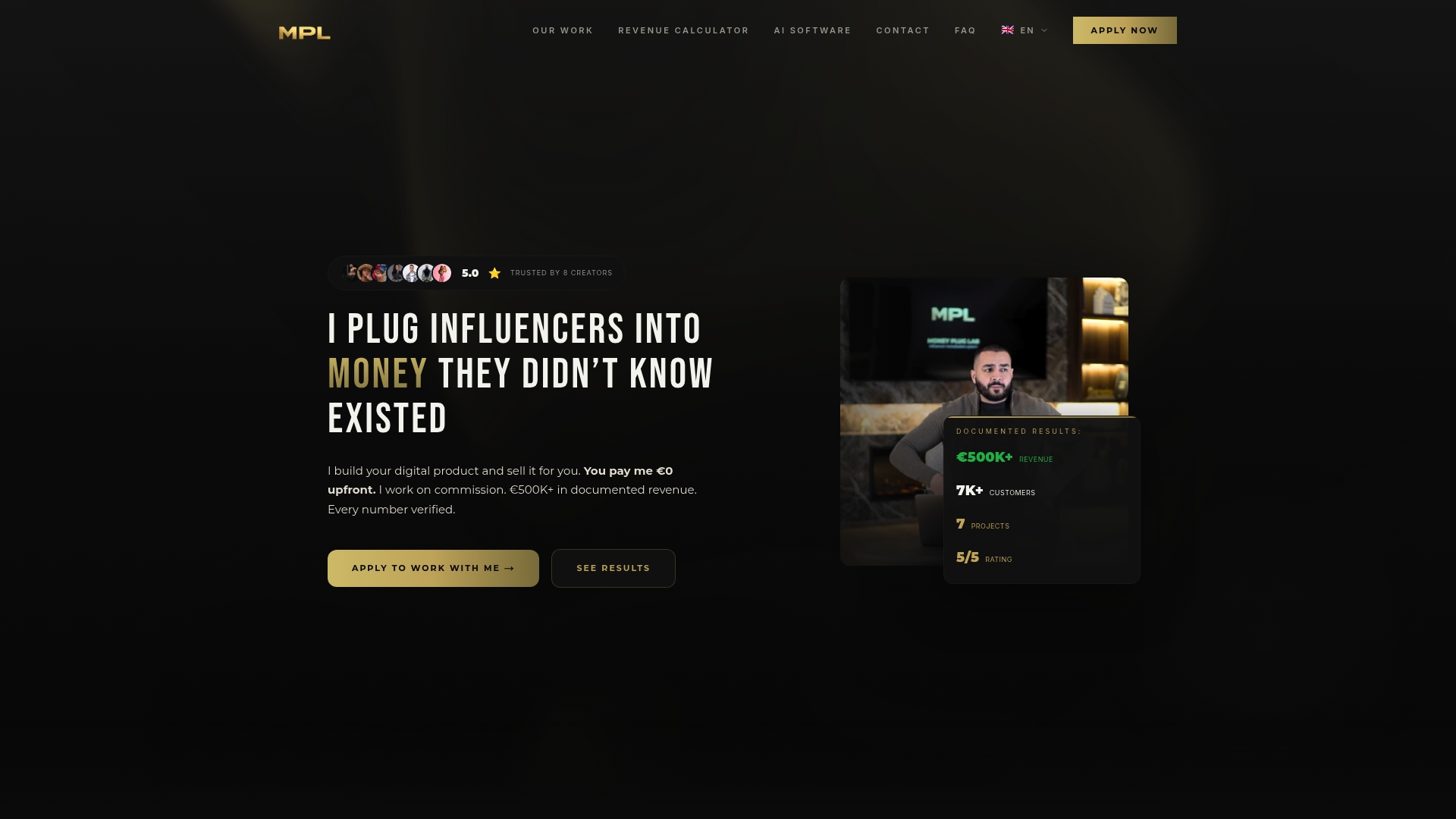
If you are a creator with an audience but no product, post-production is only one piece of the work. Money Plug Lab handles audience research, product architecture, pricing, sales copy, video sales letters, launch campaigns, payment setup and post-production for paid ads, all on a pure revenue-share basis with zero upfront cost to you.
If you want a partner who builds the offer and the ads together, see how our digital product monetization works. If you are weighing how to pay people who promote your program, our breakdown of affiliate commission rates for creators shows what the numbers look like.
A quick pre-launch review
Before you publish any ad, run it through these questions:
- Does the first second make sense with the sound off?
- Is there one message and one action?
- Does the brand or product appear early, and again later?
- Are captions readable and inside the safe zone in every format?
- Is the call to action specific?
- Do you have at least two alternate hooks ready to test?
- Are the files named so you can match results to versions?
- Do you have refresh edits planned for when performance drops?
FAQ
What is ad creative post-production?
It is the stage after filming where footage becomes finished ads. It includes editing, sound, graphics and captions, color correction, and exporting the versions each platform needs. For paid campaigns it also means building several hooks and lengths so you can test them.
How long should a video ad be?
It depends on the platform. One industry guide puts Meta feed and TikTok ads at 15 to 60 seconds and YouTube skippable in-stream at 15 to 60 seconds. Build 15-, 30- and 60-second cuts from the same footage, then keep whichever holds viewers best.
Do I need captions on every ad?
Yes, in almost every case. Many people watch social video muted, so captions carry the message. Keep them high-contrast, large and away from interface buttons.
How many versions of one ad should I make?
At minimum, the aspect ratios your placements need, plus three to five different hooks on the same body. Change only one variable per test, so you know what caused any difference in results.
Can I edit ads on my phone?
Yes, for simple talking-head ads. Quality comes from the message, clean audio and a strong opening more than from software. Larger launches with many versions usually benefit from a dedicated editor or a team that handles post-production alongside the offer and the media buying.
Sources
- 12. Post-production, BCP Belgium production guide
- About the ABCDs of effective video ads, Google Ads Help
- How to Create Video Ads That Perform, AdLibrary
- About Ad Strength for Demand Gen campaigns, Google Ads Help
- New Performance Max features, Google Ads Help
- Cross-platform, not copy-paste, Search Engine Land
- Video action campaigns are being upgraded to Demand Gen, Google Ads Help
- How to Optimize Videos for SEO