Sales Page Wireframes for Creator Launches: 7 Blocks to Map First
Sales Page Wireframes for Creator Launches: 7 Blocks to Map First

A sales page wireframe is the structural blueprint for your page’s conversion flow, mapping where the headline, call to action, proof, and form sit before any design work starts. The fastest way to get one is to sketch a hero section with a single clear call to action tied to your main metric, then build the rest of the page around it. Done right, a wireframe gives you a faster build and a page structured around conversion from the first draft.
TL;DR:
- Set the single conversion action before sketching, then draft mobile first and adapt desktop because mobile traffic should shape the layout.
- Keep the primary call to action above the fold and repeat it at logical scroll points; GoodUI reports measurable lifts in repeated A/B tests.
- Choose field count, required fields, and submission error and success states during wireframing; Baymard finds perceived complexity drives abandonment more than form step count.
- Choose short pages for warm traffic, long pages for higher priced offers, and form first layouts for list building or call bookings.
- Test prototypes with five to eight target audience members before final copy, measure intermediate conversion signals, and change one variable at a time.
Table of Contents
- What is a sales page wireframe and when do you need one
- Essential components every sales page wireframe should include
- A step-by-step workflow to produce a wireframe from brief to handoff
- Wireframe examples and a practical template kit
- Conversion rules to encode into your wireframe
- Validate and iterate the wireframe with prototypes and focused tests
- How Money Plug Lab applies wireframing in creator launches
- Priorities for wireframing sales pages in 2026
- How we help creators turn a wireframe into a launched sales page
- FAQ
- Sources
What is a sales page wireframe and when do you need one
A sales page wireframe is a low-fidelity layout that shows where content and functional elements sit on the page, without color, imagery, or final copy. It answers one question before anything else: does the structure guide a visitor toward one action, or does it scatter their attention across competing choices.
Wireframes differ from two other tools people confuse them with:
- A mockup adds visual design (color, typography, imagery) on top of a finished layout.
- A prototype adds interactivity, letting you click through flows to test navigation and form behavior.
- A wireframe skips both and focuses purely on hierarchy, spacing, and placement of blocks like the hero, proof section, and CTA.
You wireframe early, before copywriting is finalized and before a designer touches the page. For a creator launch or paid campaign, that usually means wireframing right after you’ve settled on the offer and the primary metric you’re optimizing for, whether that’s email signups, checkout completions, or booked calls. Skipping this step and jumping straight to visual design tends to produce pages where the structure gets dictated by what looks good rather than what converts, which is backward for a sales page whose entire job is to move someone from curiosity to action.
Essential components every sales page wireframe should include
A sales page wireframe needs to account for every block that touches the visitor’s decision to act, not just the pretty parts. Missing one of these in the wireframe stage almost always means retrofitting it later, which costs more time than planning for it up front.
- Hero section: headline, subheadline, primary CTA, and a visual placeholder, all visible without scrolling on most devices.
- Value and benefit blocks: the core argument for why this offer matters, broken into scannable sections rather than one dense paragraph.
- Supporting proof: testimonials, results, or credibility markers placed near the claims they back up, not bundled into one generic section.
- Offer details: pricing, what’s included, guarantees, and any urgency or scarcity elements stated plainly.
- Lead capture or checkout block: the form itself, with field count and layout decided before copy is written.
- Navigation and secondary CTAs: minimal top navigation (or none, for a dedicated sales page) plus repeated CTAs at logical scroll points.
- Footer: legal links, contact details, and any secondary trust signals that don’t belong above the fold.
The hero and the checkout or lead capture block deserve the most wireframing attention because they carry the most conversion weight. Everything between them exists to build the case that makes the visitor ready to act when they reach that second CTA or form. Wireframing the proof and benefit blocks in sequence, rather than treating them as interchangeable filler, forces a decision about which objection you’re addressing at each scroll depth. A visitor skimming past the hero without converting is making a judgment call section by section, and the wireframe is where you decide what argument meets them next.
Form design belongs in the wireframe stage too, not left for later. Deciding field count, required versus optional fields, and whether you’re asking for a name and email or a full billing form changes the layout dramatically, and that decision affects everything else on the page, including how much proof you need before the ask.
A step-by-step workflow to produce a wireframe from brief to handoff
Building a sales page wireframe follows a fairly consistent sequence regardless of the offer. The order matters more than the tool you use.
- Set the objective and success metric. Decide the single action the page needs to drive, whether that’s a purchase, a signup, or a booked call, before sketching anything.
- Run quick audience and offer discovery. Map what the visitor already knows, what objections they’re likely to have, and the shortest path from landing to conversion.
- Sketch mobile-first layouts. Draft the structure for a narrow screen first, then adapt and expand for desktop, since most traffic to a sales page arrives on mobile.
- Add copy placeholders and CTA language. Use rough headline and button text, even if it’s not final, so the layout reflects real content length rather than lorem ipsum.
- Map form interactions. Decide what happens on submit, on error, and on success, directly in the wireframe rather than leaving it as an afterthought for developers.
- Prototype and test internally. Click through the flow yourself or with a small group before it goes to design or development.
- Iterate based on friction points. Fix anything that confused a tester or broke the single-metric focus.
- Prepare handoff notes. Document spacing intent, content hierarchy, and interaction behavior clearly enough that a designer or developer doesn’t have to guess.
Pro Tip: Write your CTA button copy before you finalize the hero headline. If the button text doesn’t make sense on its own, the surrounding copy probably isn’t clear enough either.
Each of these steps builds on the last, but the discovery and mobile-first sketching steps tend to get rushed in practice. Skipping discovery means you’re structuring the page around assumptions about what the visitor needs, and skipping mobile-first design means your desktop layout dictates compromises on mobile instead of the other way around. Both mistakes show up later as conversion problems that are harder to diagnose than they would have been to prevent.

Handoff notes deserve more attention than most teams give them. A wireframe that lives only in one person’s head defeats the purpose of making the structure explicit in the first place. Write down why the CTA repeats at specific scroll points, why the form has the field count it has, and what the mobile breakpoint changes about the layout, so the next person building on your wireframe understands the reasoning, not just the boxes.
Wireframe examples and a practical template kit
Three layout patterns cover most sales and landing page needs, and each adapts to different offer types with minor adjustments rather than a full redesign.
- Short sales page: a hero section with headline, subhead, and single CTA, followed by three to five benefit blocks and one proof section before a final CTA. This works best for low-friction offers or warm traffic that already understands the value.
- Long-form sales page: a VSL (video sales letter) or extended copy flow with the primary CTA appearing after the video or key copy block, then repeated at anchor points throughout a longer page. This fits higher-ticket offers where visitors need more context before deciding.
- Lead-gen page: a compact, form-first layout where the form sits above the fold alongside a short value statement, with minimal scrolling required to convert. This fits list-building or booking-focused campaigns rather than direct sales.
Collections of wireframe examples organized by hero-led, long-form, and lead-gen patterns give you a faster starting point than sketching from a blank page, and reusing proven block structures (a hero block, a proof block, a form block) speeds up alignment between copy, design, and development. The catch is that a kit only helps when you adapt each block to your specific offer and tie it back to the one metric you’re measuring. Pulling blocks from a template without rethinking field count, proof placement, or CTA repetition for your actual audience tends to produce a page that looks finished but underperforms.
Adapting any of these three patterns for mobile means collapsing multi-column sections into a single column, shortening headline line length, and making sure the CTA button is reachable with a thumb without requiring a pinch-zoom. The long-form pattern needs the most mobile adjustment since VSLs and long copy blocks have to be restructured so key anchor CTAs still appear at natural pause points in a vertical scroll.
Conversion rules to encode into your wireframe
A handful of research-backed rules should be decided at the wireframe stage, before copy or visual design locks the layout in place.
Raising or duplicating the primary CTA near the top of the page has produced measurable conversion lifts across repeated A/B tests cataloged by GoodUI. That’s one of the lowest-effort, highest-leverage changes you can make, and it costs nothing to test in a wireframe stage before it costs real development time later.
Beyond CTA placement, a few other rules carry solid evidence behind them:
- Minimize form fields and group related ones logically, since Baymard’s research finds that perceived form complexity drives abandonment more than the number of steps in a flow.
- Use single-column form layouts and avoid placeholder-only labels, following NN/g’s usability recommendations for faster, more accurate form completion.
- Mark required fields clearly and hide optional ones behind progressive disclosure rather than showing every field at once.
- Design visible error states and confirmation microcopy directly into the wireframe, so a failed submission tells the visitor exactly what to fix.
- Keep CTAs thumb-friendly on mobile, sized and spaced for a single-column layout rather than shrunk-down desktop buttons.
None of these rules require guesswork. They’re patterns documented across checkout and form research spanning years of testing, and encoding them into the wireframe stage means your design and development teams build the right structure the first time instead of patching usability issues after launch.
Validate and iterate the wireframe with prototypes and focused tests
A wireframe is a hypothesis about structure, not a finished answer, so testing it before full build catches expensive mistakes early.
- Prototype in Figma or simple HTML and run clicktests or short moderated sessions with five to eight people who match your target audience.
- A/B test one variable at a time, whether that’s CTA copy, form field count, or proof placement, so you know which change actually moved the metric.
- Track micro-conversions, like scroll depth past the first CTA or form field completion rate, not just the final conversion number.
- Prioritize fixes by impact versus effort, borrowing the framing Baymard uses to calculate the revenue impact of recovering abandoned conversions against the cost of making a fix.
- Document every decision and the reasoning behind it so handoff to designers or developers doesn’t require re-explaining choices from memory.
Pro Tip: Run your clicktest before you write final copy. A confused tester at the wireframe stage is a cheap problem; the same confusion after launch costs you real conversions.
Testing at the wireframe stage is far cheaper than testing after a page is fully designed and built, since a layout change at this point means redrawing boxes rather than rebuilding code.
How Money Plug Lab applies wireframing in creator launches
We work with content creators to build and launch digital products on a revenue-share basis, with no upfront cost to the creator. Our scope covers everything from audience research and product architecture through sales copy, video sales letters, and paid ad management, which means wireframing isn’t a standalone exercise for us. It’s the structural step that connects product pricing decisions directly to how a sales page gets built.
- We sketch the page structure before writing final sales copy, so headline length, proof placement, and CTA repetition get decided around the offer, not around whatever copy happens to be drafted first.
- Creators have generated over $500,000 in tracked revenue across seven launched programs, including a single launch that produced more than 3,000 sales in ten days.
- One campaign returned a high multiple on ad spend, a result tied directly to a sales page structure built around a single conversion metric from the wireframe stage onward.
The takeaway for any creator launch: decide your page’s single metric before you sketch a single box, and let every structural choice serve that metric.
Priorities for wireframing sales pages in 2026
Clarity beats polish every time at the wireframe stage. A page that’s visually unfinished but structurally obvious will outperform a beautifully designed page where the visitor can’t tell what to do next.
Tie every block, every proof point, every form field back to the one metric you’re measuring. If a section doesn’t move that metric, it’s decoration, and decoration can wait until after you’ve validated the structure.
Iterate in small steps. A wireframe that gets tested and adjusted five times before launch beats one that gets perfected once and never revisited.
— Money
How we help creators turn a wireframe into a launched sales page
Planning a wireframe yourself works when you have the time and the testing discipline to iterate before launch. When you’d rather hand the entire structure, copy, and launch execution to a team that’s done it before, that’s where we come in.
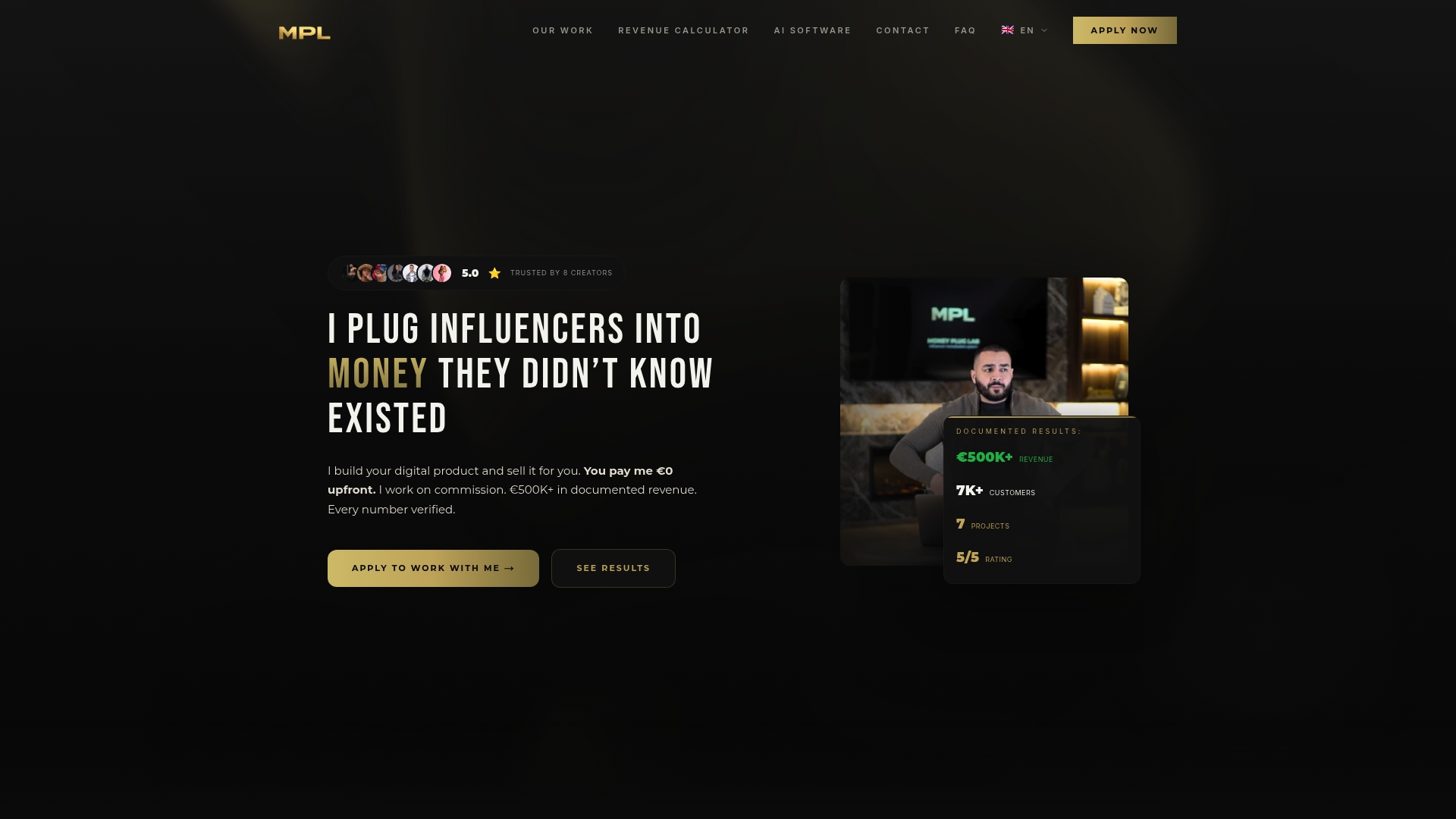
We handle the full build for creators on a revenue-share basis: audience research, product architecture, sales page structure, video sales letters, and the paid campaign that drives traffic to it, all with zero upfront cost. If you’re a creator ready to launch a digital product or paid community, reach out through PlugReach to talk through your offer and what a managed launch looks like.
FAQ
What is a sales page wireframe used for?
A sales page wireframe maps the structure and hierarchy of a page, deciding where the headline, CTA, proof, and form sit before any visual design happens. It’s used to catch structural and conversion problems early, when fixing them means redrawing a box rather than rebuilding a finished page.
How is a wireframe different from a mockup?
A wireframe shows layout and hierarchy without visual design, while a mockup adds color, typography, and imagery on top of a finished structure. Teams typically wireframe first, then move to a mockup once the structural decisions are locked in.
How many form fields should a sales page include?
Fewer fields generally reduce abandonment, since Baymard’s research finds perceived complexity matters more than the number of steps in a form. The right count depends on your offer, but grouping related fields and hiding optional ones behind progressive disclosure keeps the form feeling shorter than it is.
Where should the call to action go on a sales page?
The primary CTA should appear above the fold and repeat at logical points as the visitor scrolls. Repeated A/B tests from GoodUI show that raising or duplicating the CTA near the top of the page tends to produce measurable conversion lifts.
What tools are best for building a sales page wireframe?
Figma is a common choice for digital wireframes since it supports quick prototyping and easy collaboration between copywriters, designers, and developers. Simple pen-and-paper sketches or basic HTML mockups also work well for early-stage structure testing before moving to a polished tool.