Creators: Launch Multi Language Content With AI Plus Human Review
Creators: Launch Multi Language Content With AI Plus Human Review

Start with language subdirectories (example.com/es/), implement hreflang tags across every page variant, and localize your highest-converting commercial pages before anything else. Run a hybrid workflow: machine translation for volume, human editors for anything tied to revenue or brand voice. Everything else, including which languages to add next, follows from watching what your existing audience already tells you.
TL;DR:
- Launch only two or three languages initially, focusing on your main markets based on traffic and ad cost data, to avoid spreading review and translation resources too thin.
- Prioritize optimizing commercial pages and paid campaign landers in the target language first, with top-of-funnel content coming later once core conversions are established.
- Use subdirectories for URLs and conduct regular hreflang audits with Search Console and Screaming Frog to prevent common technical mistakes that impair search rankings.
- Implement a hybrid translation workflow: machine translate for volume content, and human review for revenue-critical pages to prevent costly errors.
- Focus on market-specific metadata, images, dates, currency, and CTAs to make localized pages feel native and improve user engagement and conversions.
Table of Contents
- Multi Language Content Planning: Picking Languages Without Guessing
- Multi Language Content Technical Setup: URLs, Hreflang, and CMS Structure
- Building a Translation Workflow That Doesn’t Collapse Under Volume
- Making Localized Pages Feel Native, Not Translated
- Multi Language Content Measurement: What to Track and How Often
- How a Full-Service Agency Handles Multilingual Launches
- The Overrated Step and the One Nobody Skips
- Money-plug: The Faster Path to a Multilingual Launch
- Sources
- FAQ
Multi Language Content Planning: Picking Languages Without Guessing
Your analytics already know which languages you need. Pull the country and browser-language breakdown from Google Analytics, cross-reference it against where paid ad costs are lowest, and you have a ranked list before you write a single translated word. A creator with meaningful traffic from Serbia, Croatia, and the Bosnian diaspora in Germany doesn’t need six languages. Three cover most of that audience.
Resist the urge to launch five languages at once. A two or three language minimum-viable launch lets you catch workflow problems (bad translations, broken hreflang, missing metadata) before they multiply across ten locales. Once one language variant performs, the playbook for the next one is already written.
Prioritize by funnel position, not by content volume:
- Commercial and pricing pages first — these directly touch revenue.
- Paid campaign landing pages second — every ad dollar you spend depends on the page converting in-language.
- Top-of-funnel blog and educational content last — it compounds over time but doesn’t need to be perfect on day one.
Before publishing in a new language, run native keyword research instead of translating your English keyword list. Search volume, phrasing, and intent shift by market, sometimes drastically. A multilingual content strategy that skips this step usually optimizes for terms nobody in that market actually searches.
Pro Tip: Treat Spanish for Spain and Spanish for Mexico as two different markets, not one language. Slang, currency, and even preferred CTAs can differ enough to hurt conversion if you clone one template blindly.
Multi Language Content Technical Setup: URLs, Hreflang, and CMS Structure
Subdirectories (example.com/de/) outperform subdomains or country-code domains for most sites because they consolidate your domain authority instead of splitting it across separate properties. Subdomains and ccTLDs work at large scale, but they demand SEO effort and legal setup most creators and small teams don’t need yet. Stick with subdirectories unless you’re running a fully separate business entity per country.
Hreflang tags tell search engines which language and region a page targets, and they’re where most multilingual sites quietly break. A missing self-referential tag, a mismatched language code, or one page pointing to a URL that no longer exists is enough to send Google the wrong signal. According to SimpleLocalize’s review of common localization mistakes, hreflang misconfigurations happen often enough that they recommend scheduled audits rather than a one-time setup.
Audit hreflang with two tools, used together:
- Google Search Console’s International Targeting report flags hreflang errors Google has already detected.
- Screaming Frog crawls your full site and catches issues before they reach Search Console, including orphaned pages and broken return tags.
Generate a separate sitemap per language and confirm none of them are accidentally blocked in robots.txt. It happens more than you’d think, usually after a site migration.
For CMS strategy, match the approach to your team size. DigidoP’s breakdown of international SEO strategies splits this into three tiers: field-level translation works when every locale shares identical page structure, folder-level fits sites where structure varies by market, and space-level suits large organizations running fully autonomous regional teams. Most solo creators and small teams belong in the first two.
Building a Translation Workflow That Doesn’t Collapse Under Volume
A hybrid workflow beats an all-AI or all-human approach for almost every creator-scale project. Use machine translation as the first pass on high-volume, lower-risk content (blog posts, FAQs, general educational pages), then route anything customer-facing and revenue-critical through a human reviewer.
- Machine-translate the first draft. Tools built into most modern CMSs handle this instantly and cheaply.
- Flag brand-critical pages for human review. Sales pages, legal disclaimers, and paid landing pages should never publish on raw machine output.
- Run a QA checklist before publishing: correct terminology, working links, no broken placeholders, and dates or currency formatted for the local market.
- Log every translation in a translation memory so repeated phrases (product names, taglines, disclaimers) stay consistent across pages and future launches.
- Maintain a shared glossary and style guide so multiple translators or editors don’t invent three different phrasings for the same term.
Integration matters as much as the translation itself. Some workflows run through CMS plugins that handle translation requests as background jobs, recording the relationship between the source and translated page so nothing gets orphaned, an approach used by tools like the WPMMCC multilingual plugin for WordPress. Larger or developer-heavy stacks often use API-based pipelines instead, feeding content through a translation service and publishing programmatically.
Pro Tip: Set a hard rule: nothing with a “Buy” or “Sign Up” button goes live in a new language without human eyes on it first. Machine translation errors on a sales page cost you money immediately; errors on a blog post just cost you a little credibility.
Making Localized Pages Feel Native, Not Translated
Translating the body copy and leaving everything else in English is the single most common localization mistake. Metadata, image alt text, date formats, currency symbols, and calls to action all need market-specific treatment, not just the paragraphs a reader scrolls through.
Change the following for every language variant, not just the visible text:
- Metadata (title tags, meta descriptions) should use native keyword research, not a direct translation of your English tags.
- Images with text or culturally specific visuals (holidays, gestures, clothing) often need replacing, not just captioning.
- Dates and currency should follow local convention (day/month order, decimal versus comma separators, local currency symbol).
- CTAs should reflect how people in that market actually talk about buying, not a literal translation of “Buy Now.”
Comprehension research backs up why this matters beyond aesthetics. Field studies on native-language instruction found that learners understood material meaningfully better when it was delivered in their own language rather than a colonial or secondary one, a finding with real weight for education-adjacent and technical content where clarity drives adoption.
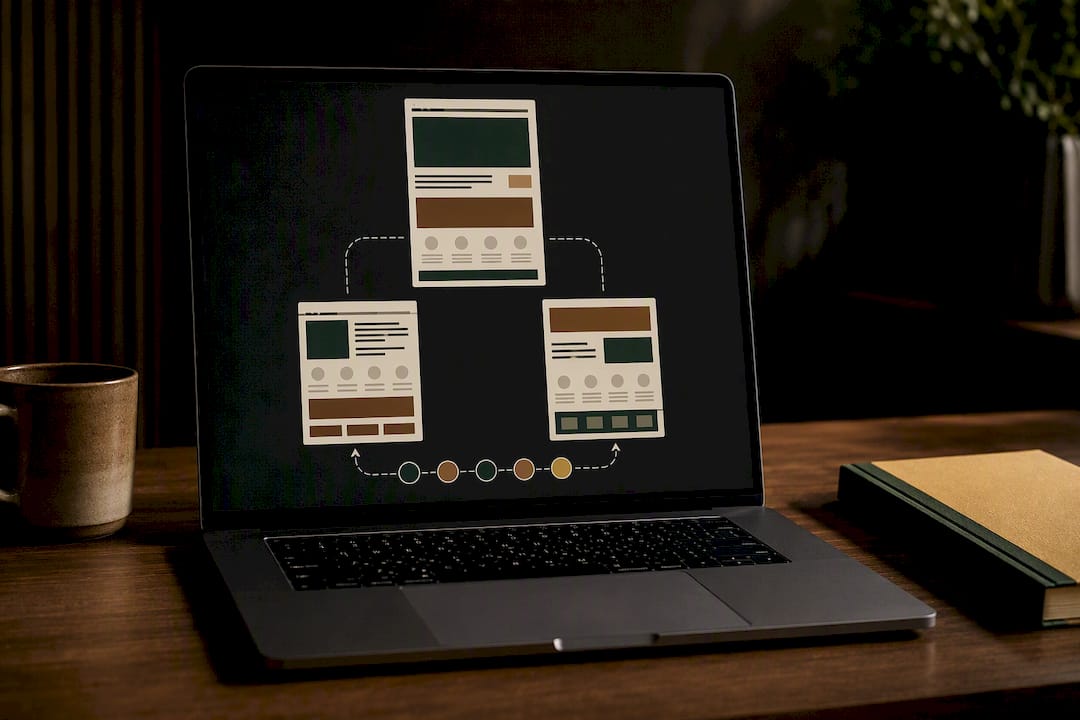
Decide early whether a market needs a structurally different page or just a translated version of the same template. A market with different buying habits, payment preferences, or trust signals (testimonials versus certifications, for instance) might need a rearranged layout, not just swapped words. You don’t need a full redesign to test this. A small beta group of five to ten native speakers giving direct feedback on a draft page catches cultural missteps a translator alone would miss.
Multi Language Content Measurement: What to Track and How Often
Segment everything by language from day one. Set up a separate Google Analytics view or filtered segment per locale, and add each language subdirectory as its own property in Search Console so indexing issues show up per-language instead of blending into your aggregate numbers.
Track at minimum:
- Organic traffic and conversion rate per language.
- Indexing errors and hreflang warnings flagged in Search Console.
- Citation frequency in AI-generated answer engines, an increasingly relevant signal as more discovery happens outside traditional search results.
Run a quarterly maintenance pass: audit hreflang, refresh sitemaps, and flag any language variant whose content has gone stale. If a language consistently underperforms after six months of real effort, consolidate it rather than let it decay quietly. Resources spread across too many half-maintained variants hurt every language, not just the weak one.
How a Full-Service Agency Handles Multilingual Launches
Money-plug builds multilingual launches around audience research first: identifying which language and market actually converts before writing a word of sales copy. From there, product architecture, localized sales messaging, launch sequencing, and ad post-production all get built around that market’s specific buying behavior, not a translated copy of the original. Creators generating meaningful traction in one language usually know when to bring in a managed partner: the moment scaling into a second market starts competing with running the first one well.
The Overrated Step and the One Nobody Skips
The industry loves talking about hreflang and technical audits, and yes, they matter. But the step that actually kills multilingual projects isn’t a missing tag. It’s launching five languages simultaneously because it feels efficient, then watching quality collapse across all of them because nobody had the bandwidth to review five sets of sales copy properly.
The conventional advice treats language expansion like a checklist: pick languages, translate everything, done. That ordering is backwards. Pick the two languages where your existing traffic and ad costs already favor you, get the commercial pages right in those first, and only then decide whether a third language earns the effort. A perfectly configured hreflang setup on a badly translated sales page still won’t convert.
If you take one thing from this, take the prioritization order, not the tooling. Tools change. The discipline of proving a language works commercially before you scale it into your entire content library does not.
— Money
Money-plug: The Faster Path to a Multilingual Launch
Building translated pages is one problem. Turning a new-language audience into paying customers is a different, harder one, and it’s the one most creators underestimate. One agency model works on a pure revenue-share basis with zero upfront cost, meaning the agency only earns when your launch actually sells.
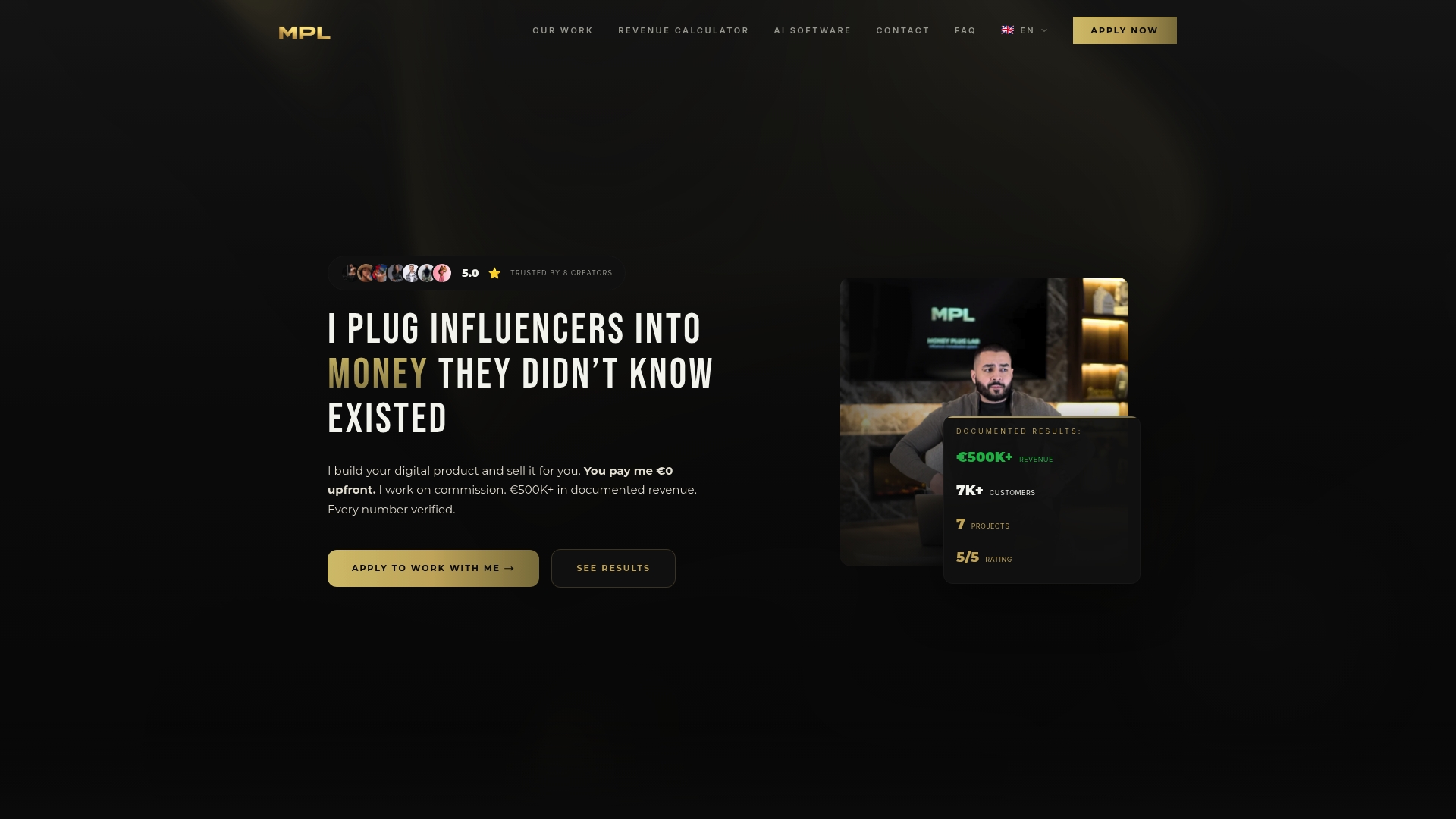
The team handles the full chain: audience research, product architecture, pricing strategy, sales copy, video sales letters, launch campaigns, payment infrastructure, and paid advertising post-production. That matters most for creators in Southeast Europe and the diaspora who already have an engaged audience but haven’t built the systems (or the localized sales messaging) to monetize it across markets. If you’re weighing whether to hire a translator, a funnel builder, and an ad manager separately, or hand the whole launch to a team that’s already run this playbook, Money Plug Lab’s landing page has the details on how the revenue-share model works and what a first launch typically looks like.
Sources
- Localization SEO pitfalls and hreflang audits — SimpleLocalize
- How marketers build multilingual content strategies that scale globally — Weglot
FAQ
Is Machine Translation Safe to Use for Multi Language Content?
It’s safe for high-volume, lower-risk pages like general blog posts or FAQs, but not for anything tied directly to revenue. Run sales pages, legal text, and paid landing pages through human review, since a hybrid AI-plus-human workflow balances speed against brand risk better than pure automation.
Should I Use Subdirectories, Subdomains, or Separate Domains?
Subdirectories (example.com/fr/) are the recommended default for most sites because they keep your domain authority consolidated in one place. Subdomains and country-code domains only make sense at a scale where you’re running separate legal entities or teams per market, per Contentful’s multilingual SEO guidance.
How Many Languages Should I Start With?
Two or three languages, chosen from your existing traffic and ad-cost data, is enough for a minimum-viable launch. Adding more before your first languages convert usually spreads translation quality and review time too thin to catch mistakes.
What Tools Catch Hreflang Errors Before They Hurt Rankings?
Google Search Console’s International Targeting report flags issues Google has already detected, while Screaming Frog crawls your site to catch broken or missing tags before they reach that stage. Running both regularly is the standard practice recommended for avoiding silent hreflang failures.
Does Money-plug Handle Multilingual Launches for Creators?
Money-plug builds multilingual launches around audience research and localized sales messaging rather than straight translation, covering everything from product architecture through paid ad post-production. Pricing for the Digital product monetization service runs on a revenue-share basis and is available on request.